April 27, 2026 • Stuart, FL
On-Page SEO Tips That Actually Work
I've been helping businesses in Stuart improve their search rankings for years, and I've learned one thing: most companies are doing on-page SEO all wrong.

They stuff keywords everywhere. They write title tags that sound robotic. They ignore what their visitors actually want. Then they wonder why Google doesn't love their site.
Here's what I want to tell you: on-page SEO doesn't have to be complicated. In fact, the best on-page SEO tips are the ones that make sense for both people and search engines. That's what we focus on at MarketKing AI, and it's what I'm going to walk you through today.
What On-Page SEO Tips Really Mean
Before we jump into the specifics, let me explain what we're talking about. On-page SEO tips are all the things you can control on your own website to help Google understand what your page is about. It's different from off-page work (like building backlinks). This is purely what happens on your page.
Think of it like this: you're writing a letter to Google. You're telling them, "Hey, this page is about X topic, and it's really helpful and well-written." The better that letter, the higher you'll rank.
So what makes a good letter?
Your Title Tag Is Your First Impression
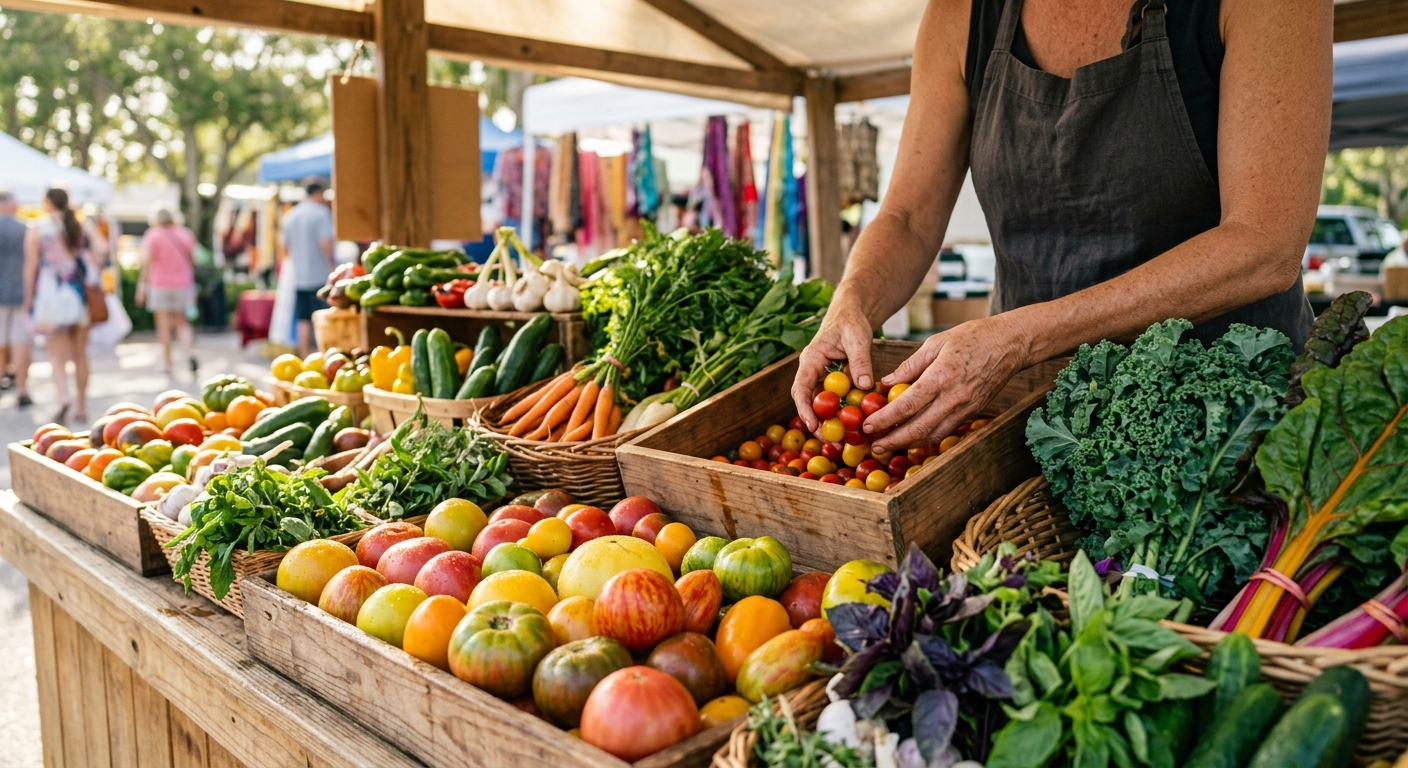
Your title tag is the blue link people see in Google search results. It's also the text that shows up in your browser tab. And honestly, it's one of the most important on-page SEO tips I can give you.
Here's what most people get wrong: they make it too long, too keyword-stuffed, or too vague.
Your title should be:
- Between 50-60 characters (so it doesn't get cut off in Google)
- Clear about what the page offers
- Include your main keyword naturally
- Written for humans first, search engines second
For example, "On-Page SEO Tips That Actually Work" is way better than "Best On-Page SEO Tips Strategies Guide for 2024 and Beyond." See the difference?
I'm working with a client here in Stuart who owns a dental practice. Their old title was "Dental Office." I changed it to "Cosmetic Dentistry in Stuart, FL." They went from not ranking at all to page two within three months. It's a small change that makes a huge difference.
Your Meta Description Gets People to Click
Your meta description is that little preview text under your title in Google results. Google doesn't directly use it for rankings, but here's the thing: it affects whether people click on your result or your competitor's.
A good meta description:
- Explains what's on the page in 150-160 characters
- Includes your target keyword (naturally)
- Creates curiosity or shows clear value
- Has a call to action if it makes sense
"Learn the best on-page SEO tips from Stuart's top AI marketing agency" is going to get more clicks than "This page contains information about on-page SEO."
H1 Tags Tell Google What Your Page Is About
Your H1 is your main headline. There should only be one H1 per page, and it should match your target keyword closely.
I see websites with five H1s. That's wrong. I see websites with no H1s at all. That's also wrong.
Your H1 should be the first or second thing people see when they land on your page. It should tell them exactly what they're going to learn.
As you can see in the photo above from our Stuart office, we break down on-page SEO into clear, digestible steps.
![Image 1: on-page-seo-tips-that-actually-work-1.jpg]
Use H2 and H3 Tags to Organize Your Thoughts
After your H1, you're going to have subheadings. These should use H2 and H3 tags, not just bold text.
Why does this matter? Because Google reads your page like a table of contents. It looks at your H1, then your H2s, then your H3s. This tells Google how your page is structured and what topics matter most.
For on-page SEO tips, proper heading structure means:
- Your H1 is your main topic
- Your H2s are the big ideas that support that topic
- Your H3s go deeper on specific points within those H2s
This hierarchy helps Google (and your readers) understand your content faster.
Keywords Matter, But Not How You Think
Here's where people get tripped up. You need to use your target keyword in your content, but you shouldn't force it. It should feel natural.
If you're writing about on-page SEO tips that actually work, that phrase should show up in your:
- Title tag
- H1
- First 100 words
- At least one H2 subheading
- A few times throughout naturally
But don't write, "On-page SEO tips that actually work are important. These on-page SEO tips that actually work include..." You sound like a spam email.
Instead, write naturally. Use the keyword when it makes sense. Use related keywords too. Write about "SEO best practices," "ranking factors," "search engine optimization," and similar phrases.
Google's smart enough to understand you're talking about the same thing even if you don't repeat the exact phrase over and over.
Your First 100 Words Need to Hook People
Search engines look hard at your opening paragraph. This is where you should clearly state what your page is about and why someone should care.
Think about it from a reader's perspective. They clicked on your link from Google. They have 2-3 seconds to decide if this page is worth their time. Your first 100 words have to convince them.
Tell them what they'll learn. Tell them why it matters. Make a promise you can keep.
At MarketKing AI, we've tested this with dozens of clients across Stuart. The ones who spend extra time on their opening paragraphs get better click-through rates and lower bounce rates.
Internal Linking Helps Google Understand Your Site
Internal links are links from one page on your site to another page on your site. They do two things:
- They help Google find and understand other pages
- They keep people on your site longer
When you're writing about on-page SEO tips, you might link to a page about keyword research. Or a page about technical SEO. Use descriptive anchor text (the clickable words) instead of "click here."
For example, if you're writing about on-page SEO and you mention keyword research strategies, that internal link helps both people and Google understand what that linked page is about.
Image Optimization Isn't Optional
Most people skip this step. Don't. It's one of the easiest on-page SEO tips to implement.
When you add an image, you need to:
- Use descriptive filenames (not "image1.jpg")
- Add alt text that describes what the image shows
- Compress the image so it loads fast
- Use modern formats like WebP when possible
As you can see in the photo below, we test everything before we recommend it.
![Image 2: on-page-seo-tips-that-actually-work-2.jpg]
Alt text might sound like this: "MarketKing AI team reviewing on-page SEO metrics in Stuart office." Google can't see images, but it can read that text. It helps your page show up in image search too.
Page Speed Affects Everything
Here's something that surprised a lot of people when Google announced it: page speed is a ranking factor. If your page loads slowly, Google ranks it lower.
This is an on-page issue because it's something you control. You can:
- Compress images
- Minimize CSS and JavaScript
- Use a content delivery network
- Choose better hosting
- Remove unnecessary plugins
A page that loads in 1-2 seconds will always beat a page that loads in 5+ seconds, assuming the content is equal.
Write for Real People, Not Robots
I'm going to end with this because it's the most important on-page SEO tip: write for humans.
Google has gotten incredibly good at spotting content written for search engines instead of people. They reward pages that actually help readers. They penalize pages that are stuffed with keywords and hollow on value.
Before you publish anything, ask yourself: "Would I read this? Is it helpful? Does it answer the question?" If the answer is no, rewrite it.
We've built MarketKing AI around this philosophy. Our AI tools help with on-page SEO, but they're designed to make your writing better, not to replace actual thinking and creativity.
Ready to Improve Your On-Page SEO?
Look, on-page SEO tips work. I've seen them work for businesses all over Stuart. The key is being consistent, being genuine, and focusing on what your readers actually need.
If you're ready to put these strategies into action and want expert guidance, we're here to help. Visit us at marketkingai.com or give us a call. We work with local businesses just like yours to build SEO strategies that deliver real results.
Want to learn more about SEO best practices? Check out Search Engine Journal's comprehensive guide for more industry insights.
Ready to Rank #1 in Stuart, FL?
We build AI-powered SEO content that gets local businesses to page one on Google.
See Plans & Pricing →